Info
Created On: December 15, 2025
Created By: User #16746


SVG Code
                    <!--


Generated by DrawGPT.

Free, open source, AI generated images in SVG, PNG, and HTML Canvas format.

https://drawgpt.ai


Created: 2025-12-15T18:49:27+00:00

-->

<svg   viewBox="0 0 512 512" xmlns="http://www.w3.org/2000/svg" xmlns:xlink="http://www.w3.org/1999/xlink">

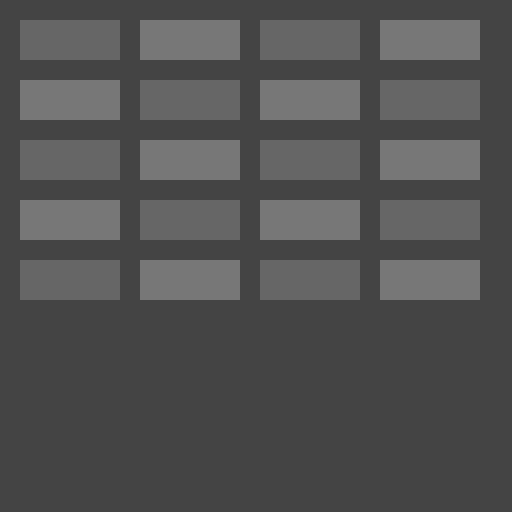
  <title>Applause Alley Neon</title>

  <desc>Get ready for the rave reviews in Applause Alley, where the neon glows brighter than your future career! Funny fact: Applause is contagious; even robots can get in on it if they get upgraded with the new Applause OS 2.0.</desc>

  <metadata type="keywords">neon sign, applause, alley, theater, performance</metadata>

  <rect id="background" class="background" width="512" height="512" fill="#222"/>


  <!-- Neon Glow Effect (Outer Glow) -->

  <defs>

    <filter id="neonGlow" x="-50%" y="-50%" width="200%" height="200%">

      <feGaussianBlur stdDeviation="10" result="glow"/>

      <feMerge>

        <feMergeNode in="glow"/>

        <feMergeNode in="SourceGraphic"/>

      </feMerge>

    </filter>

  </defs>


  <!-- "Applause" Neon Text -->

  <g id="applause-group" class="neon-text" style="filter:url(#neonGlow);">

    <path id="applause-a" class="neon-letter" d="M50,400 L80,100 L120,100 L150,400 L110,400 L95,250 L85,400 Z" fill="none" stroke="#FF4081" stroke-width="8" stroke-linecap="round" stroke-linejoin="round">

      <animate attributeName="stroke" values="#FF4081;#F06292;#FF4081" dur="5s" repeatCount="indefinite"/>

    </path>

    <path id="applause-p1" class="neon-letter" d="M170,400 L170,100 L220,100 A30,30 0 0 1 220,220 L170,220 Z" fill="none" stroke="#FF4081" stroke-width="8" stroke-linecap="round" stroke-linejoin="round">

      <animate attributeName="stroke" values="#FF4081;#F06292;#FF4081" dur="5s" repeatCount="indefinite"/>

    </path>

    <path id="applause-p2" class="neon-letter" d="M240,400 L240,100 L290,100 A30,30 0 0 1 290,220 L240,220 Z" fill="none" stroke="#FF4081" stroke-width="8" stroke-linecap="round" stroke-linejoin="round">

      <animate attributeName="stroke" values="#FF4081;#F06292;#FF4081" dur="5s" repeatCount="indefinite"/>

    </path>

    <path id="applause-l" class="neon-letter" d="M310,400 L310,100" fill="none" stroke="#FF4081" stroke-width="8" stroke-linecap="round" stroke-linejoin="round">

      <animate attributeName="stroke" values="#FF4081;#F06292;#FF4081" dur="5s" repeatCount="indefinite"/>

    </path>

    <path id="applause-a2" class="neon-letter" d="M330,400 L360,100 L400,100 L430,400 L390,400 L375,250 L365,400 Z" fill="none" stroke="#FF4081" stroke-width="8" stroke-linecap="round" stroke-linejoin="round">

      <animate attributeName="stroke" values="#FF4081;#F06292;#FF4081" dur="5s" repeatCount="indefinite"/>

    </path>

    <path id="applause-u" class="neon-letter" d="M450,100 L450,400 A30,30 0 0 1 500,400 L500,100" fill="none" stroke="#FF4081" stroke-width="8" stroke-linecap="round" stroke-linejoin="round">

      <animate attributeName="stroke" values="#FF4081;#F06292;#FF4081" dur="5s" repeatCount="indefinite"/>

    </path>

    <path id="applause-s" class="neon-letter" d="M520,400 C520,320 570,320 570,240 C570,160 520,160 520,100" fill="none" stroke="#FF4081" stroke-width="8" stroke-linecap="round" stroke-linejoin="round">

      <animate attributeName="stroke" values="#FF4081;#F06292;#FF4081" dur="5s" repeatCount="indefinite"/>

    </path>

    <path id="applause-e" class="neon-letter" d="M590,400 L590,100 M590,250 L640,250 M590,400 L640,400 M590,100 L640,100" fill="none" stroke="#FF4081" stroke-width="8" stroke-linecap="round" stroke-linejoin="round">

      <animate attributeName="stroke" values="#FF4081;#F06292;#FF4081" dur="5s" repeatCount="indefinite"/>

    </path>

  </g>


  <!-- "Alley" Neon Text -->

  <g id="alley-group" class="neon-text" transform="translate(0, -150)" style="filter:url(#neonGlow);">

    <path id="alley-a" class="neon-letter" d="M50,400 L80,100 L120,100 L150,400 L110,400 L95,250 L85,400 Z" fill="none" stroke="#00BCD4" stroke-width="8" stroke-linecap="round" stroke-linejoin="round">

      <animate attributeName="stroke" values="#00BCD4;#4DD0E1;#00BCD4" dur="5s" repeatCount="indefinite"/>

    </path>

    <path id="alley-l1" class="neon-letter" d="M170,400 L170,100" fill="none" stroke="#00BCD4" stroke-width="8" stroke-linecap="round" stroke-linejoin="round">

      <animate attributeName="stroke" values="#00BCD4;#4DD0E1;#00BCD4" dur="5s" repeatCount="indefinite"/>

    </path>

    <path id="alley-l2" class="neon-letter" d="M190,400 L190,100" fill="none" stroke="#00BCD4" stroke-width="8" stroke-linecap="round" stroke-linejoin="round">

      <animate attributeName="stroke" values="#00BCD4;#4DD0E1;#00BCD4" dur="5s" repeatCount="indefinite"/>

    </path>

    <path id="alley-e" class="neon-letter" d="M210,400 L210,100 M210,250 L260,250 M210,400 L260,400 M210,100 L260,100" fill="none" stroke="#00BCD4" stroke-width="8" stroke-linecap="round" stroke-linejoin="round">

      <animate attributeName="stroke" values="#00BCD4;#4DD0E1;#00BCD4" dur="5s" repeatCount="indefinite"/>

    </path>

    <path id="alley-y" class="neon-letter" d="M280,100 L320,250 L360,100 M320,250 L320,400" fill="none" stroke="#00BCD4" stroke-width="8" stroke-linecap="round" stroke-linejoin="round">

      <animate attributeName="stroke" values="#00BCD4;#4DD0E1;#00BCD4" dur="5s" repeatCount="indefinite"/>

    </path>

  </g>


  <!-- Wall and Brick Background (Static) -->

  <rect id="wall-rect" class="wall" x="0" y="0" width="512" height="512" fill="#444444"/>

  <g id="brick-group" class="bricks">

    <rect id="brick1" class="brick" x="20" y="20" width="100" height="40" fill="#666666"/>

    <rect id="brick2" class="brick" x="140" y="20" width="100" height="40" fill="#777777"/>

    <rect id="brick3" class="brick" x="260" y="20" width="100" height="40" fill="#666666"/>

    <rect id="brick4" class="brick" x="380" y="20" width="100" height="40" fill="#777777"/>

    <rect id="brick5" class="brick" x="20" y="80" width="100" height="40" fill="#777777"/>

    <rect id="brick6" class="brick" x="140" y="80" width="100" height="40" fill="#666666"/>

    <rect id="brick7" class="brick" x="260" y="80" width="100" height="40" fill="#777777"/>

    <rect id="brick8" class="brick" x="380" y="80" width="100" height="40" fill="#666666"/>

    <rect id="brick9" class="brick" x="20" y="140" width="100" height="40" fill="#666666"/>

    <rect id="brick10" class="brick" x="140" y="140" width="100" height="40" fill="#777777"/>

    <rect id="brick11" class="brick" x="260" y="140" width="100" height="40" fill="#666666"/>

    <rect id="brick12" class="brick" x="380" y="140" width="100" height="40" fill="#777777"/>

    <rect id="brick13" class="brick" x="20" y="200" width="100" height="40" fill="#777777"/>

    <rect id="brick14" class="brick" x="140" y="200" width="100" height="40" fill="#666666"/>

    <rect id="brick15" class="brick" x="260" y="200" width="100" height="40" fill="#777777"/>

    <rect id="brick16" class="brick" x="380" y="200" width="100" height="40" fill="#666666"/>

    <rect id="brick17" class="brick" x="20" y="260" width="100" height="40" fill="#666666"/>

    <rect id="brick18" class="brick" x="140" y="260" width="100" height="40" fill="#777777"/>

    <rect id="brick19" class="brick" x="260" y="260" width="100" height="40" fill="#666666"/>

    <rect id="brick20" class="brick" x="380" y="260" width="100" height="40" fill="#777777"/>

  </g>

</svg>
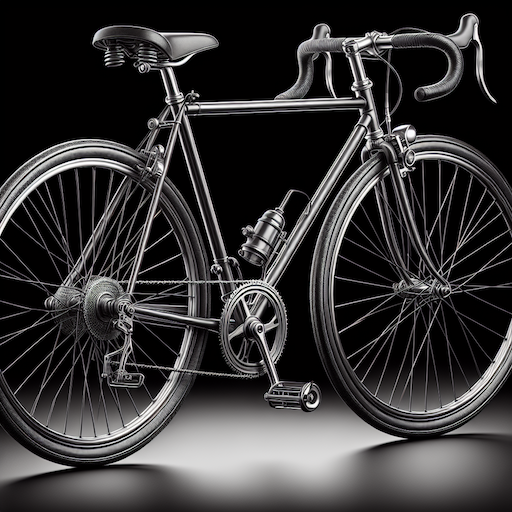
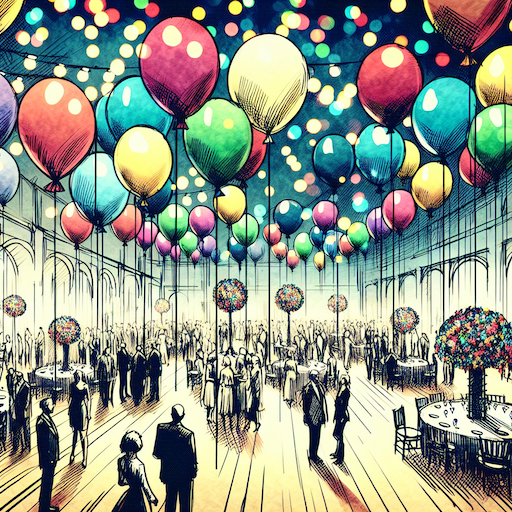 balloon party
 beautiful beach
 cute puppy dog
 happy cat
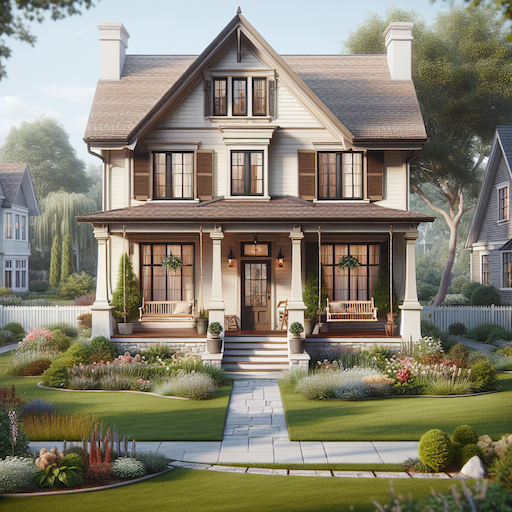 house
house